Yes, you read that correctly! iNav 4.0. The last version, iNav 3.0 was released on June the 12th, 2021. This ultimate fixed wing guide will let you know about what’s new in iNav 4.0. But why 4.0? Are the changes that massive?
Well, there are some nice changes and new features in this release. But the main reason for a major version number jump so soon, is the way version numbers are set has changed. The version numbers for iNav are major.minor.patch. Before version numbers would be bumped depending on how the release appeared. The last, patch, digit was always for bug fix releases. Now, iNav is using the SemVer, or Semantic Versioning, system to decide version numbers. So going forward, the version numbers will change as follows:
- MAJOR version: when there are incompatible API changes
- MINOR version: when new functionality is backwards compatible
- PATCH version: when there are bug fixes only.
So this means in iNav 4.0, there are changes that break compatibility with iNav 3.0. This means that you can’t use iNav Configurator 3.x with iNav 4.0. This doesn’t mean that you will see problems, this has happened before in the past. For example, mode IDs changed between versions 2.4 and 2.5. If SemVer had been used back then, this would have triggered the version 3.0.0 number. Things are much simpler now. We should always use the same major and minor version configurator; but sometimes this slipped. So the new versioning means that the configurator to use is more obvious, as the bigger numbers signify bigger changes.
So what has changed to cause the version bump? The major thing that changed is the fonts. The change is something you won’t even notice, unless do forget to upload the new fonts to your flight controller. If you update, but still use the iNav 3.0 fonts, your OSD will look pretty random. This was needed, as quite simply, there was no free space left for characters accessed in a certain way. Rearranging the font allowed for around an extra 50 characters to become available.
So what else is new? Lets find out!
Radio, Telemetry, & Protocols
- Azimuth added to SmartPort telemetry #6946
- PPM receivers dropped #7393
- 50mW added to CRSF #7397
- Trip distance added to JETI telemetry #7394
- CRSF RSSI and LQ zero fix #7441
- Fixed SmartAudio over SoftSerial #7470. Use #7641 to enable it
OSD
- OSD Clock now shows seconds #6993
- The OSD shows a message while you calibrate the compass #6995
- OSD message shown to switch to Acro, if you try to autotune in Manual #7035
- Improvements to DJI, including in flight adjustments using the craft name hack #7098
- Proper RSSI percentage for Crossfire #7173
- UK units corrected, new units for old UK added #7195 #1309
- Added GA units, updated fonts, and OSD fixes #7255 #1322
- Symbol added to VTx power #7355 #1331
- Top speed element added to OSD #7367 #1334
- Battery symbol added to battery percentage #7371 #1335
- Average speed added to OSD stats #7428
- Add alarms for min and max airspeed #7467
- Selectable precision for RPM #7515 # 1379
General
Feature cuts for F411 and F722 board #7297
You will have seen warnings about this in the INAV Fixed Wing Group since late July. But, it has now finally happened. F411 and F722 are starting to have features cut. At 512KB, they simply don’t have enough flash storage to hold a fully featured iNav anymore. This first round of cuts will probably not affect many people. But who knows what will they will lose in the future. F411 and F722 flight controllers no longer support the following:
- Furious FPV 2.4GHz VTX
- Virtual Pitot
- PCA9685 servo driver
- SUMD RX protocol
- SUMH RX protocol
- XBUS RX protocol
- HOTT telemetry
Fixed Wing Soaring Mode #7250
The addition is great for people who fly gliders. Soaring mode adds a modifier that you can use to change how Course Hold, Cruise, or Position Hold (loiter) behave. When enabled, it disables altitude control and allows Angle mode to free float in pitch, within a dead band set using option nav_fw_soaring_pitch_deadband. This allows the plane to soar freely. Ultimately, with Poshold it should drift with the lift, so it can follow thermals. But, that is not currently in this release. Hopefully in the future.
Other general changes
- Allow spaces at the start of craft name #6056
- Fixed I2C errors after 72 minutes #7226
- Removed unused ESC protocols #7295
- Support for BMI270 added #7356 #7501
- Board documents moved to their own folder #7465
- Manual expo set to 35% #7491
- Multirotor modes removed from planes #7605
- Fixed LED strip issues on H7 boards #7633
Advanced Features, Tuning, & Programming
Changing Profiles #7048 #7432 #1340
There have been a couple of changes with regards to changing profiles. The first change allows you to automatically change profile when you switch to a different battery profile. This means that you can tune your plane to the pack that you are using. This, of course, includes the PIDFF settings. But, there is more you can change too. Check out the Profiles document for more information.
The other change is the ability to change profiles in flight. You may be thinking “Wasn’t that already available in Adjustments?” The short answer is no. There was an option to adjust the selected profile. But there wasn’t any code behind it, so it did nothing. So this has been removed from adjustments. You can find the way to change profiles in the Programming section. This offers much more flexibility than it would as an adjustment. You can of course use a switch. But, as an example, you could also use the speed of your plane to change the profile. As well as setting the profile, you can get the profile in use via programming. There is also an OSD element which may be useful on a tuning OSD, to show which profile you are editing.
Autotune no longer tunes P and I #7461
This may seem like a bad move. But sometimes the best way forwards is to take a step back. Autotune was improved greatly in iNav 3.0 due to the addition of rates tuning. This is something that had to be performed manually prior to 3.0, and was massively ignored. This resulted in badly performing planes, some of which would crash because of the bad rates. We’ve all seen those “What happened?” videos, where loiter or RTH are enabled, and the plane start to loiter. Only it over banks and if lucky doesn’t stall. Yep, the cause of this is bad rates. iNav 3.0 tunes the rates very well. It would get the rates up to what the airframe can handle, but not beyond. There are also options if you want more sedate rates, so that it could tune with a limit. It works great.
However, what this rate, and consequently better FeedForward tuning in iNav 3.0 highlighted, is that the P and I tuning was not that great. There were often times that P and I were tuned too high. Plus, the autotune didn’t even tune Derivative; newly introduced on fixed wing. So those areas need work. However, this is really not as bad as it seems. It’s not even bad at all. Marc Hoffmann has come up with some default PIDs that will work reasonably on all sizes of planes (#1390). Not only do these default PIDs have the Proportional and Integral components as before, but they also have a base Derivative component.
So how does this change things for autotune? Not much at all, as far as tuning the planes go. The procedure is still the same.
- Get your plane flying well in manual
- Make sure the plane is in trim
- Perform an autotune
- Fine tune the P, I, and D to your preference.
Other advanced features, tuning, & programming changes
- Show message to switch to ACRO when autotune is attempted in MANUAL #7035
- Autotune’s target deflection changed to 80% #7180
- Allow PT2 and PT3 filters on Dterm #7310
- Loiter radius changeable with programming #7480 #1356
Automated Flight & Waypoint Missions
Two stage climb first RTH #7323
This change allows the climb phase of a climb first RTH to have two separate parts. This is useful for pilots who want to climb first, to clear potential obstacles. But, don’t want to be wasting energy flying away from home. This allows you to set a first climb stage altitude. Once it meets or exceeds that altitude, the plane will turn to home and continue climbing to the RTH altitude. See the iNav Wiki for more information.
- Ability to load multiple missions #6765 #7632
- WP mission Home WP option #6920
- Adds an option to restart the mission #6938
- In flight WP mission planning #6967
- Improve Waypoint Finished message in the OSD #6979
- The ability to override blocked arming if the waypoint is too far #7107
- Fixed Wing wing emergency land vertical control rate #7364
- Constrain launch throttle to global limit #7442
- Waypoint failsafe fix for RTH #7487
- Maximum waypoints increased to 120 #7510
- Mission loaded message shown before arm #7519
New & Updated Targets
- MAMBAF405US fixes #7203
- SKYSTARSF405HD #7210
- MATEKH743 #7232 #7346 #7349 #7419
- KAKUTEF4V2 enable MPU6000 #7258
- MATEKF765 add support for Rx5 #7265
- MSC (Windows) fixed on all F7 and H7 targets #7573
- IFLIGHT_BLITZ_F722 #7610
- SPL06 Baro added to all MATEK targets #7628
- SPEEDYBEEF7MINI #7640
- MAMBAH743 #7649
- KAKUTEH7 #7654
Configurator
Allow pilots to choose the units used #1377
This is a much requested change. It allows pilots to select the units used in the configurator. The options are:
- None: Don’t perform any conversions. This is how the configurator is by default, and worked previously
- Metric: Units are converted to more convenient metric. For example, centimetres are now shown as metres
- Imperial: Units are converted to imperial units
- OSD: The units you have selected for your OSD. These can be chosen from: Metric, Metric + MPH, Imperial, UK, and GA.
Currently, the units change is only on the Advanced Tuning page. However, that is where most of the values with units are. However, it will be added to all pages with such values in time.
Modes page changes #1282 #1342 #1364

There have been a couple of notable changes to the modes page. The first change allows you to hide modes that you are not using. This makes checking your modes quicker and easier.
The next change adds some section heading to the modes page. This makes it easier for pilots to know what the modes relate to. This will be especially useful for new iNav pilots. These section headers are hidden when hide unused modes is active.
Next up is a really helpful addition. When you switch modes on the transmitter, the change highlights the mode if it is within range. What does this mean? Well before in configurator, a mode would only turn light blue if the flight controller could enable that mode. However this gets confusing if you move a switch to a range where, for example, Return to Home should be active. Now, if a switch is within range, the mode box will turn dark blue. If the flight controller can actually enter the mode, it will turn light blue as before.
The last addition is an Acro mode indicator. The box at the bottom of the screen will turn blue whenever Acro can be active.
Units changes #1309 #1322
There have been a couple of changes to the units that you can have in your OSD. The first is a correction to an existing set of units.
Historically, the UK units haven’t actually reflected units used in the UK. It was basically metric with MPH for the speed. However in the UK, distances, as far as transportation goes, are measured in Miles. We also use feet for altitude. The UK setting in the OSD now reflects this.
However, don’t worry if you like the old units. They are still available under the new name Metric + MPH. In fact, if you use UK in iNav 3.0, you will be using Metric + MPH in iNav 4.0. To switch to the new UK units, you have to change over to them on the OSD page.
The table shows how the unit sets are in iNav 4.0.
| Function | Metric + MPH | UK |
|---|---|---|
| Speed | Miles per Hour (MPH) | Miles per Hour (MPH) |
| Altitude | Metres (M) | Feet (Ft) |
| Vario | Metres/sec (M/s) | Feet/sec (Ft/s) |
| Distance | Metres (M) | Kilometres (Km) | Feet (Ft) | Miles (Mi) |
| Economy | mAh/Km or Wh/Km | mAh/Mi or Wh/Mi |
| Temperature | Celsius (C) | Celsius (C) |
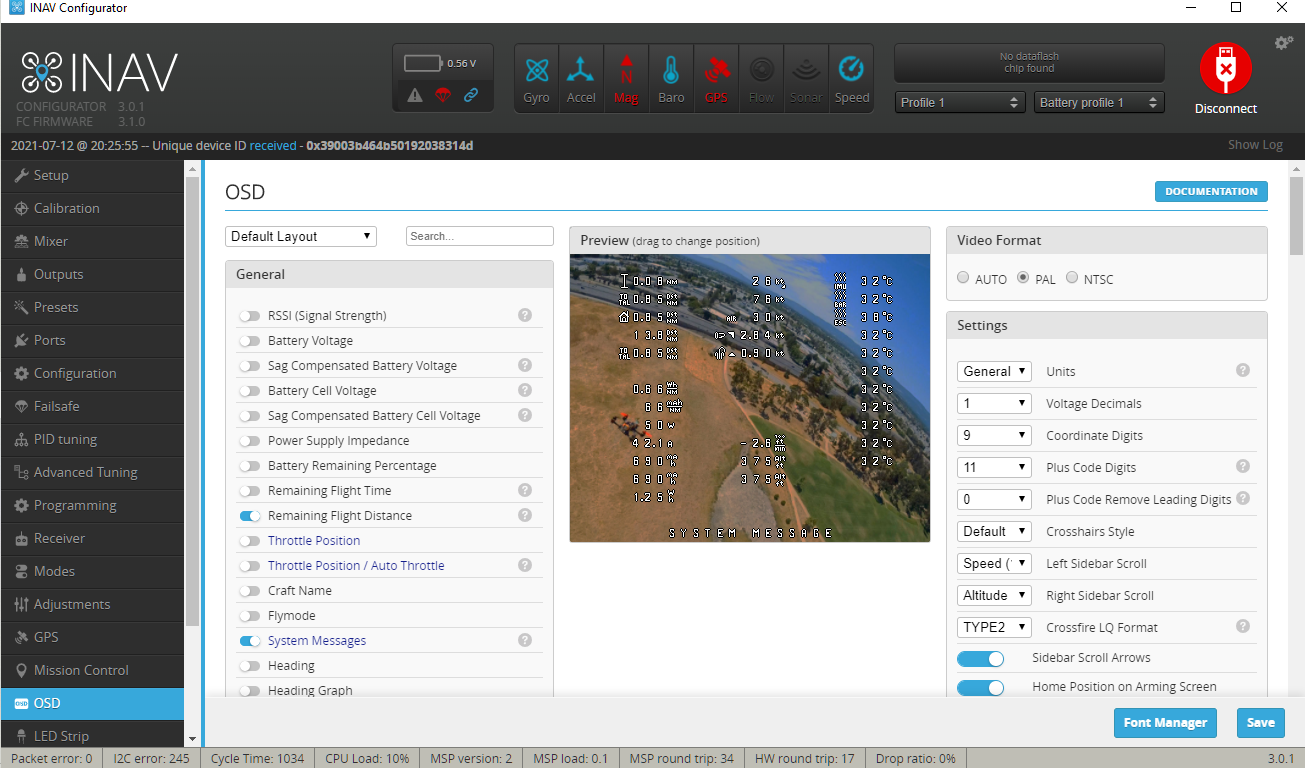
The next change to units adds new calculations, which general aviation pilots are going to love. Unsurprisingly this new units set is called General Aviation.
This idea has had positive responses from GA pilots in the INAV Fixed Wing Group. And a couple of them were consulted for their opinions on the units used for each function. The result is this units set that will hopefully please those GA pilots.
| Function | GA Units |
|---|---|
| Speed | Knots (Kt) |
| Altitude | Feet (ft) |
| Vario | 100 Feet/min (HFt/min) |
| Distance | Feet | Nautical Miles (NM) |
| Economy | mAh/NM or Wh/NM |
| Temperature | Celsius (C) |
Mission Control updates #1354 #1357 #1362 #1365 #1367 #1369 #1381 #1388 #1393 #1404
There have been quite a few changes in Mission Control. The entire mission is now checked for altitude conflicts, if the terrain data is available. This ensures that there are no unexpected meetings with the ground during a waypoint mission. While on the subject of elevation data. It can now be sourced from https://www.opentopodata.org/. This works with the default maps (not just Bing maps) and doesn’t require an API key, so is simpler to set up.
There are also some general fixes including swapping the longitude and latitude to the more conventional ordering of latitude, longitude. Also, issues have been fixed with unset home points, and while saving missions. Configurator log messages have also been improved.
Other Configurator changes
- Presets tab removed #1327
- Hovering over an OSD element now shows its name #1332
- Flying wing mixer image fixed #1361
- Airmode settings removed from PID Tuning > Mechanics tab #1372
- GPS Speed changed to Ground Speed, for consistency #1389
- Default PIDFF settings changed for fixed wing, for iNav 4.0 autotune changes #1390
- Block people making changes while defaults are being applied #1410
For a full list of changes to iNav for 4.0.0, check out these lists for the firmware and the configurator.